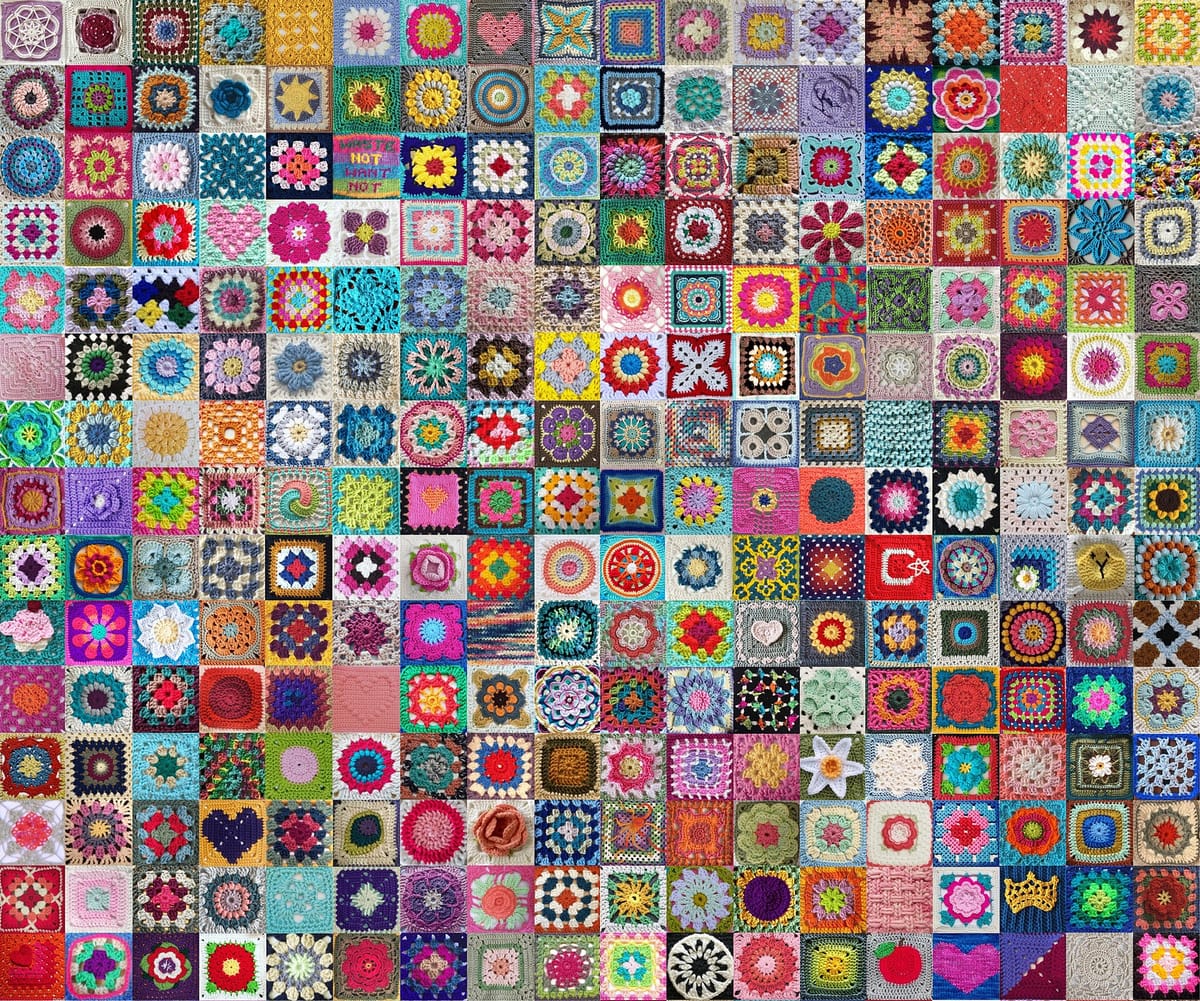
How to use the granny square calculator
- Make and block one square, then measure it from edge to edge. Enter that size or tap one of the common sizes.
- Choose a blanket size, or switch to "I know how many squares" if you already have a grid in mind. When whole squares don't fit your size exactly, pick whether to go to the closest count, stay under your size or stay over it.
- Enter a border width if you plan to add rounds around the whole blanket.
- If you know how much yarn one square takes, enter it to get yarn for each color.
- Pick how many colors you're using and a starting layout, then tap squares in the preview to swap colors until you like it.
How the calculator works
Each row of the blanket is a run of squares with a join between each pair. The width of that row is the number of squares times the square size, plus the joins between them. The calculator solves that for the number of squares that comes closest to your target, then tells you the actual width, because whole squares rarely divide a size exactly.
A border is taken off your target size first, so the squares fill the middle and the border brings the blanket out to roughly the size you asked for. Yarn for the border is worked out at the same density as your squares, which is a fair estimate when the border uses similar stitches.
Formulas
- Squares across = (target width − 2 × border + join) ÷ (square + join), rounded to the nearest whole number (or down or up, if you choose)
- Actual width = squares across × square + (squares across − 1) × join + 2 × border
- Total squares = squares across × squares down
- Yarn = total squares × yarn per square × (1 + extra %), plus the border
Worked example: a queen blanket with a border
Suppose your squares are 6 inches and you want a 90" × 100" queen blanket with a 2 inch border. Taking the border off both sides leaves 86" × 96" for the squares. Across, 86 ÷ 6 is 14.3, so you make 14 squares. Down, 96 ÷ 6 is exactly 16. That's 224 squares.
Fourteen squares make 84 inches, and sixteen make 96, so with the border the blanket finishes at 88" × 100". If each square uses 20 yards, the squares need 4,480 yards before any extra.
How many squares for each blanket size
These counts assume flat joins and no border. The finished size is shown in brackets, since it will be slightly different from the standard size.
| Blanket | 4" squares | 5" squares | 6" squares |
|---|---|---|---|
| Stroller 30" × 35" | 72 (8 × 9; 32" × 36") | 42 (6 × 7; 30" × 35") | 30 (5 × 6; 30" × 36") |
| Crib 45" × 60" | 165 (11 × 15; 44" × 60") | 108 (9 × 12; 45" × 60") | 80 (8 × 10; 48" × 60") |
| Throw 50" × 60" | 195 (13 × 15; 52" × 60") | 120 (10 × 12; 50" × 60") | 80 (8 × 10; 48" × 60") |
| Twin 66" × 90" | 391 (17 × 23; 68" × 92") | 234 (13 × 18; 65" × 90") | 165 (11 × 15; 66" × 90") |
| Queen 90" × 100" | 575 (23 × 25; 92" × 100") | 360 (18 × 20; 90" × 100") | 255 (15 × 17; 90" × 102") |
| King 108" × 100" | 675 (27 × 25; 108" × 100") | 440 (22 × 20; 110" × 100") | 306 (18 × 17; 108" × 102") |
Bigger squares cut the count fast. For the same 50" × 60" throw, 7 inch squares need 63, 8 inch squares need 48, 10 inch squares need 30, and 12 inch squares need 20.
How the join changes your granny square count
A join that adds width between squares changes the count more than you might expect, because it repeats at every seam. This table runs a 90" × 100" queen through the calculator with a flat join, a join that adds a quarter inch and one that adds half an inch.
| Square | Join adds 0" | Join adds 0.25" | Join adds 0.5" |
|---|---|---|---|
| 4" squares | 575 (23 × 25; 92" × 100") | 504 (21 × 24; 89" × 101.75") | 440 (20 × 22; 89.5" × 98.5") |
| 5" squares | 360 (18 × 20; 90" × 100") | 323 (17 × 19; 89" × 99.5") | 288 (16 × 18; 87.5" × 98.5") |
| 6" squares | 255 (15 × 17; 90" × 102") | 224 (14 × 16; 87.25" × 99.75") | 210 (14 × 15; 90.5" × 97") |
| 8" squares | 143 (11 × 13; 88" × 104") | 132 (11 × 12; 90.5" × 98.75") | 132 (11 × 12; 93" × 101.5") |
| 12" squares | 64 (8 × 8; 96" × 96") | 56 (7 × 8; 85.5" × 97.75") | 56 (7 × 8; 87" × 99.5") |
With 4 inch squares, a half inch join takes the queen from 575 squares down to 440. That is 135 fewer squares to make, which is why it pays to measure your join on two test squares before you start. With 12 inch squares there are fewer seams, and the count drops by one column, from 64 to 56.
Why granny square charts give different counts
Granny square charts can give different answers for the same blanket, because they round in different ways. This is Crochet rounds every division up, so a 90" × 100" queen in 6 inch squares comes to 255 squares and finishes at 90" × 102". Rounding down instead makes the same queen smaller, so it finishes a little short.
This calculator lets you pick. For that queen, "closest" gives 255 squares (90" × 102"), "stay under" gives 240 (90" × 96") and "stay over" gives 255 (90" × 102"). The gap of 15 squares is one whole row. A border can make up the missing inches if you round down.
How much yarn a granny square uses
Yarn per square depends on the yarn, the hook and above all the number of rounds. Each new round is longer than the last, so yarn climbs fast as squares get bigger. Weigh one of your own finished squares rather than relying on a published figure.
Tips for a granny square blanket
- Block every square to the same size before joining. A quarter inch difference per square adds up across a whole row.
- Make a few extra squares. They let you swap out one that came out tight, or fix a color clash in the layout.
- Lay the squares out on the floor and take a photo before joining. Color balance is easier to judge in a photo.
- Weave in ends as you go. With hundreds of squares, leaving them all for the end means hundreds of ends to weave in at once.